Alienware Experience
Rebuilding Alienware's online experience across the full shopping journey
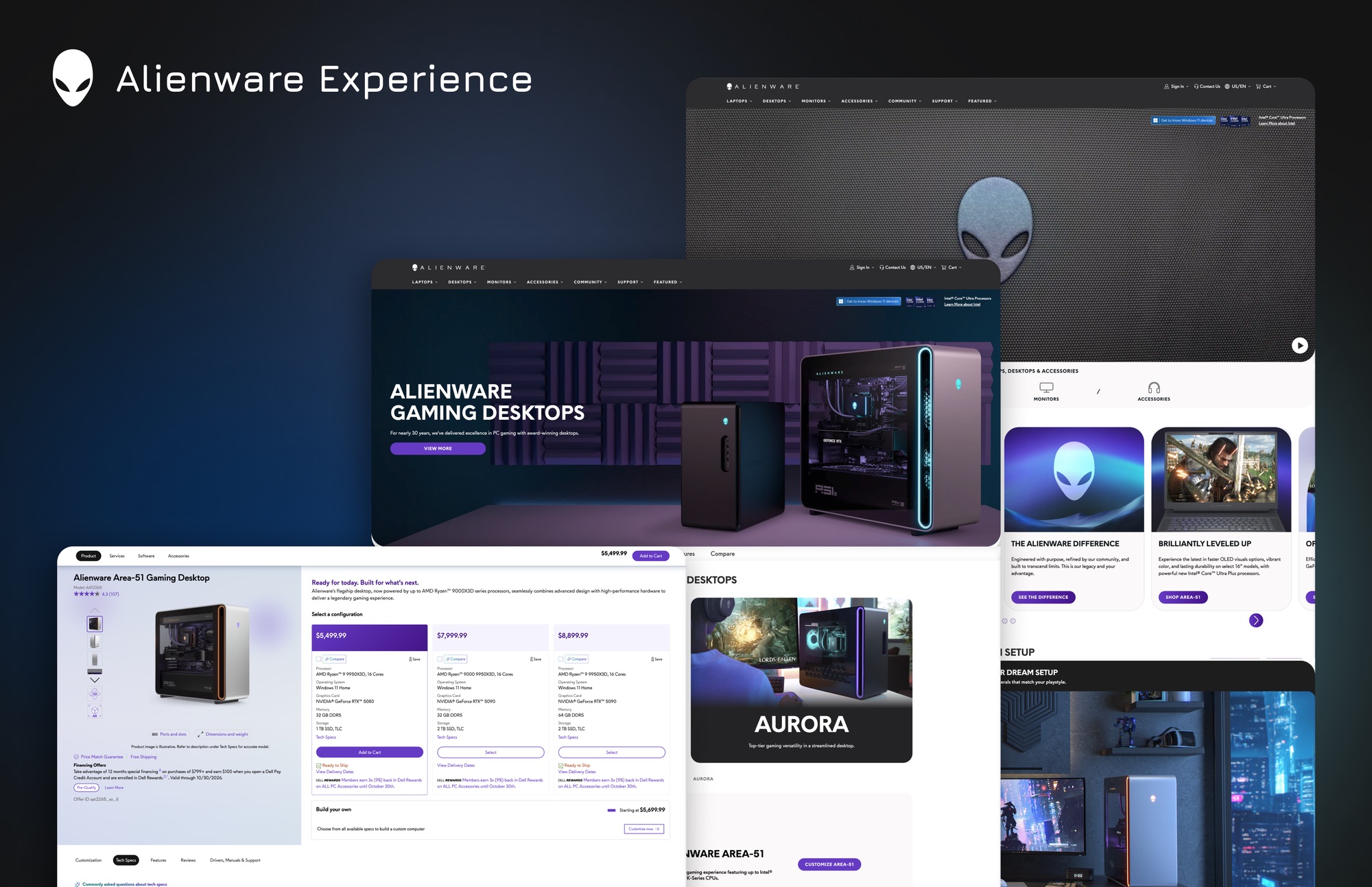
When Dell formed a dedicated Alienware team in 2022, Alienware.com was still running largely on Dell.com's experience. The pages worked, but they were designed for a general audience rather than for gamers, and very little of the brand's personality came through.
Over the next four years, the team rebuilt the site in the order a customer moves through it: the homepage first, then the pages that help people choose a system, then the configurator where they build it. I joined as the team's most junior designer, contributed to each of those stages and eventually owned the configurator.
Where We Started
Alienware has a passionate, highly engaged audience, but its website hadn't caught up. The masthead, product pages and configurator were all inherited from Dell.com. They served general shoppers well, but gamers arrive with different questions, like how a system will perform in the games they play and how it fits the setup they have in mind.
The team's mission was to make Alienware.com one of the most aspirational destinations for gamers to discover, build, shop and connect. Rebuilding everything at once wasn't realistic, so we followed the customer journey and worked through it one stage at a time, fixing smaller issues along the way.
My involvement
Starting at the Front Door
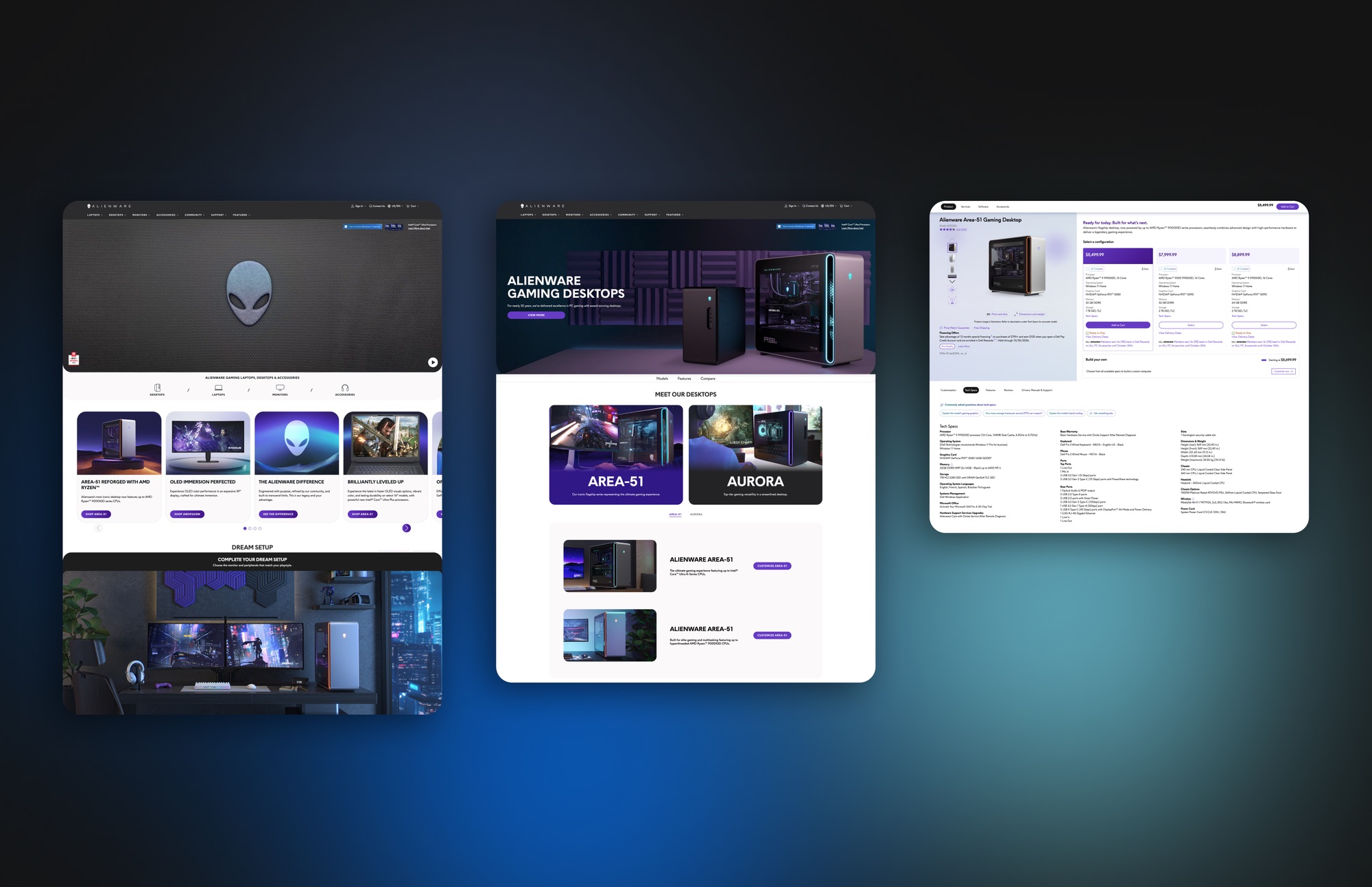
My first project on the team was small but foundational. Alienware.com was still using Dell.com's masthead, so I re-themed it to carry Alienware's look while keeping the shared component underneath. Working inside a component another team owned meant understanding what could change and what had to stay consistent, then documenting those decisions so engineering and other teams could build on them. It became the first of several re-theming projects I took on as the site evolved.
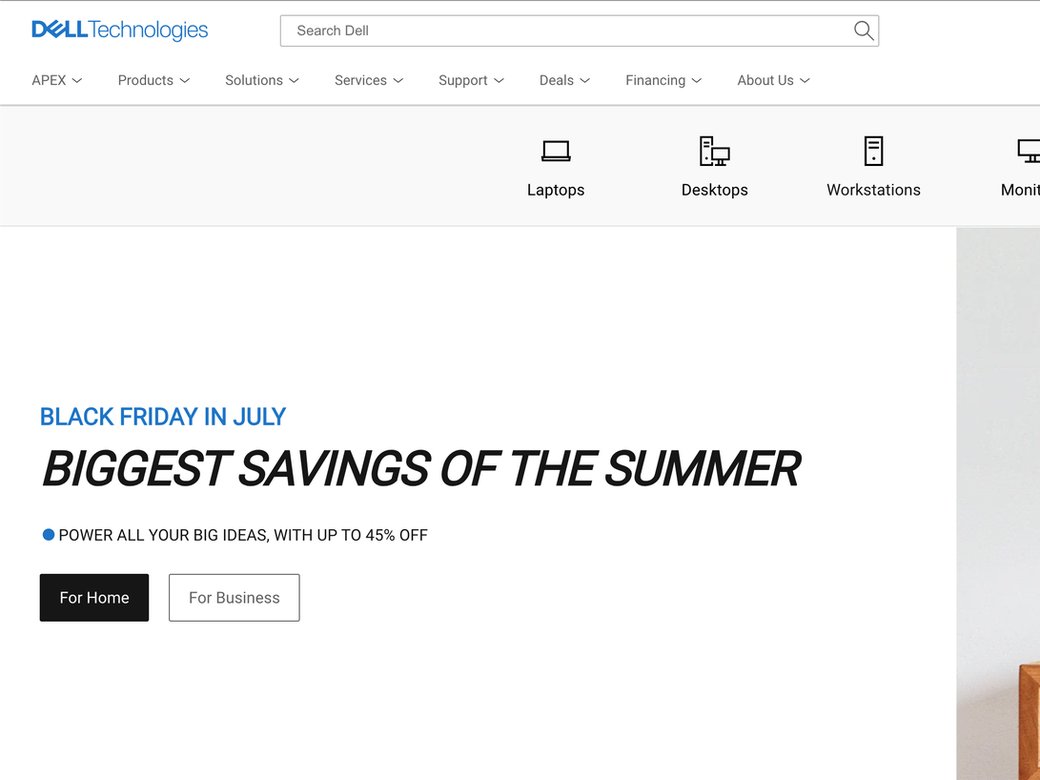
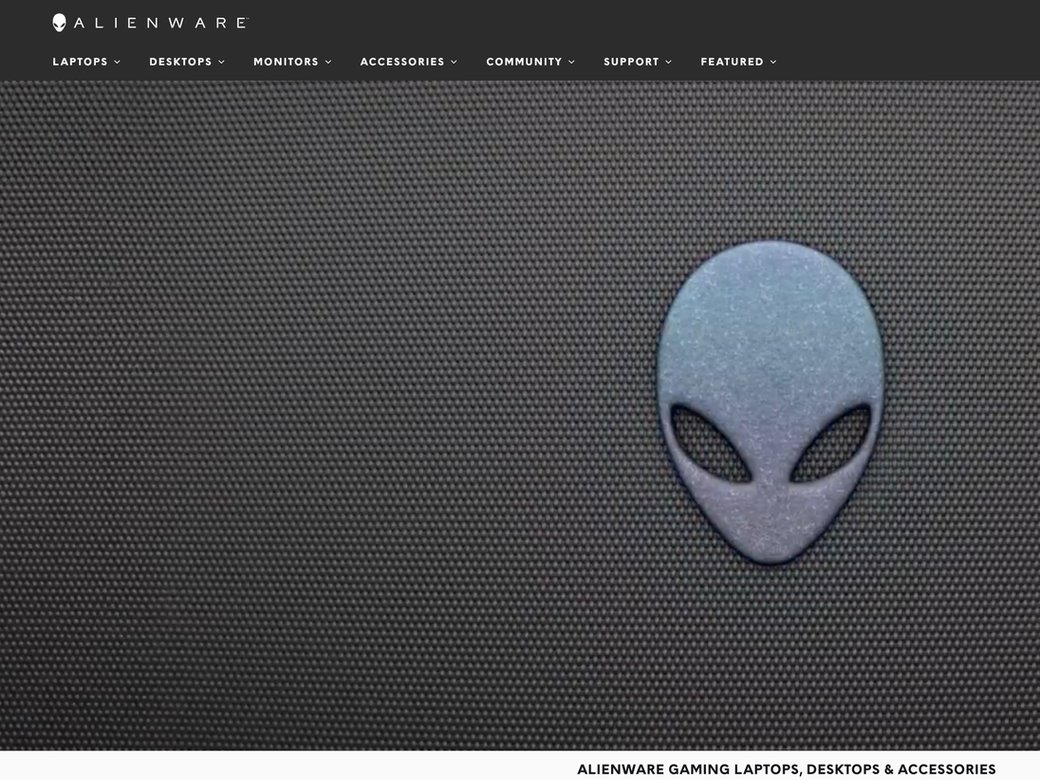
Around the same time, Dell brought in the design agency AKQA to help define a new design language for Alienware, and the homepage was where it would debut. As the most junior designer on the team, my part centered on exploratory research and iterating on design directions, helping the team and agency test ideas before the final direction came together.
The new homepage launched in early 2023. A redesigned masthead made navigation simpler, the hero introduced video of gamers using Alienware products, a Dream Setup section showed complete Alienware setups, and a community section connected visitors to Alien Rewards and the forums. Time spent on the homepage increased by 44%.
Helping People Choose
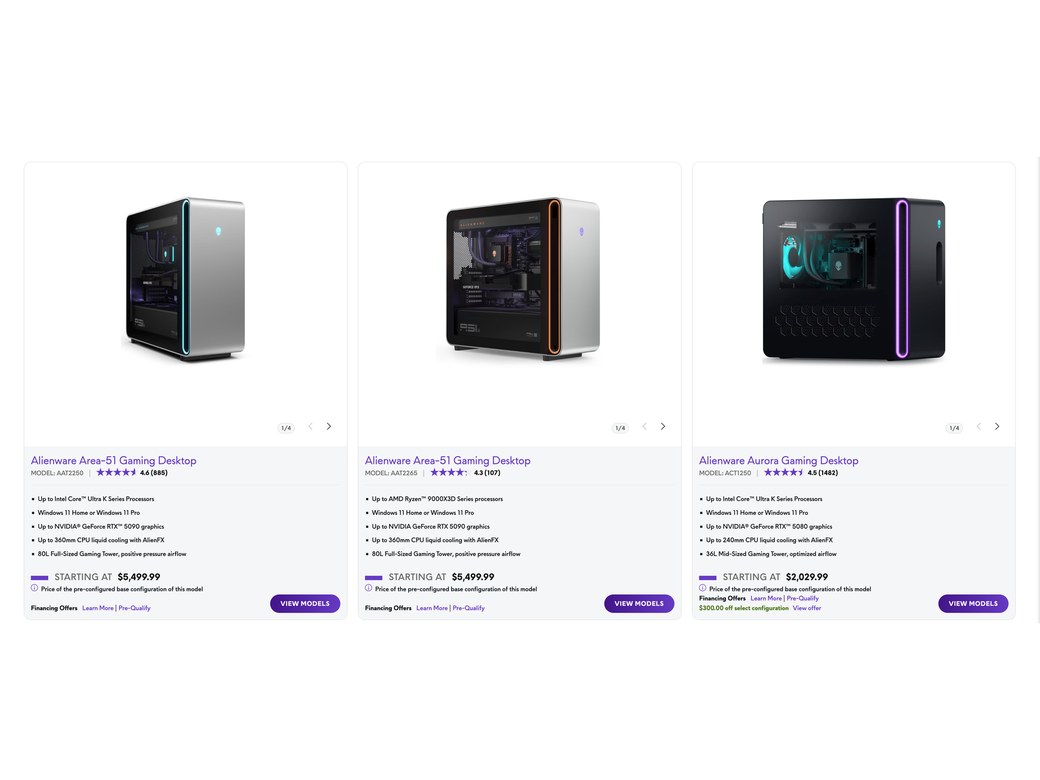
The new homepage brought more people in, which made the next gap more visible. Visitors knew they wanted an Alienware, but the product line pages did little to explain how one line differed from another, leaving people to piece it together from spec lists.
By then I had become the second most senior designer on the team, and the Learn Page was the first project I was part of from beginning to end, from early research and problem framing through ideation, low and high-fidelity design, prototyping, user testing and working with engineering on delivery.
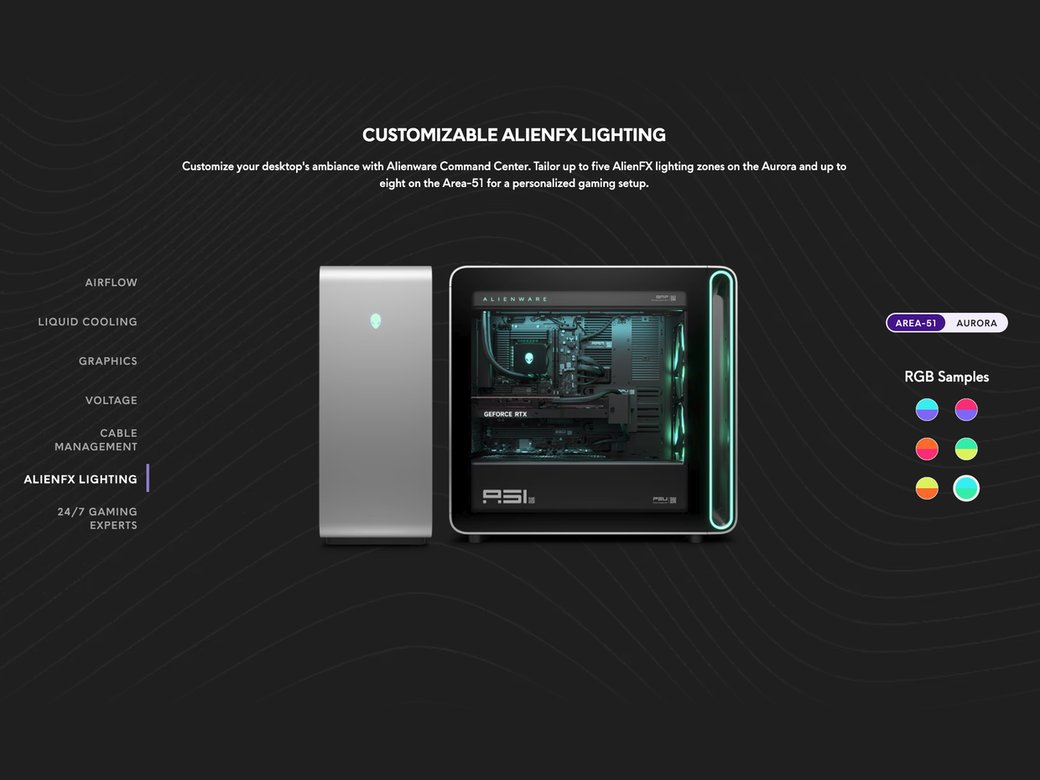
The page was built around side-by-side comparison of product lines, supported by feature sections such as AlienFX lighting that let people see the differences rather than decode them. It launched in February 2024, with success measured through click-through rate, engagement and conversion.
Making Performance Visible
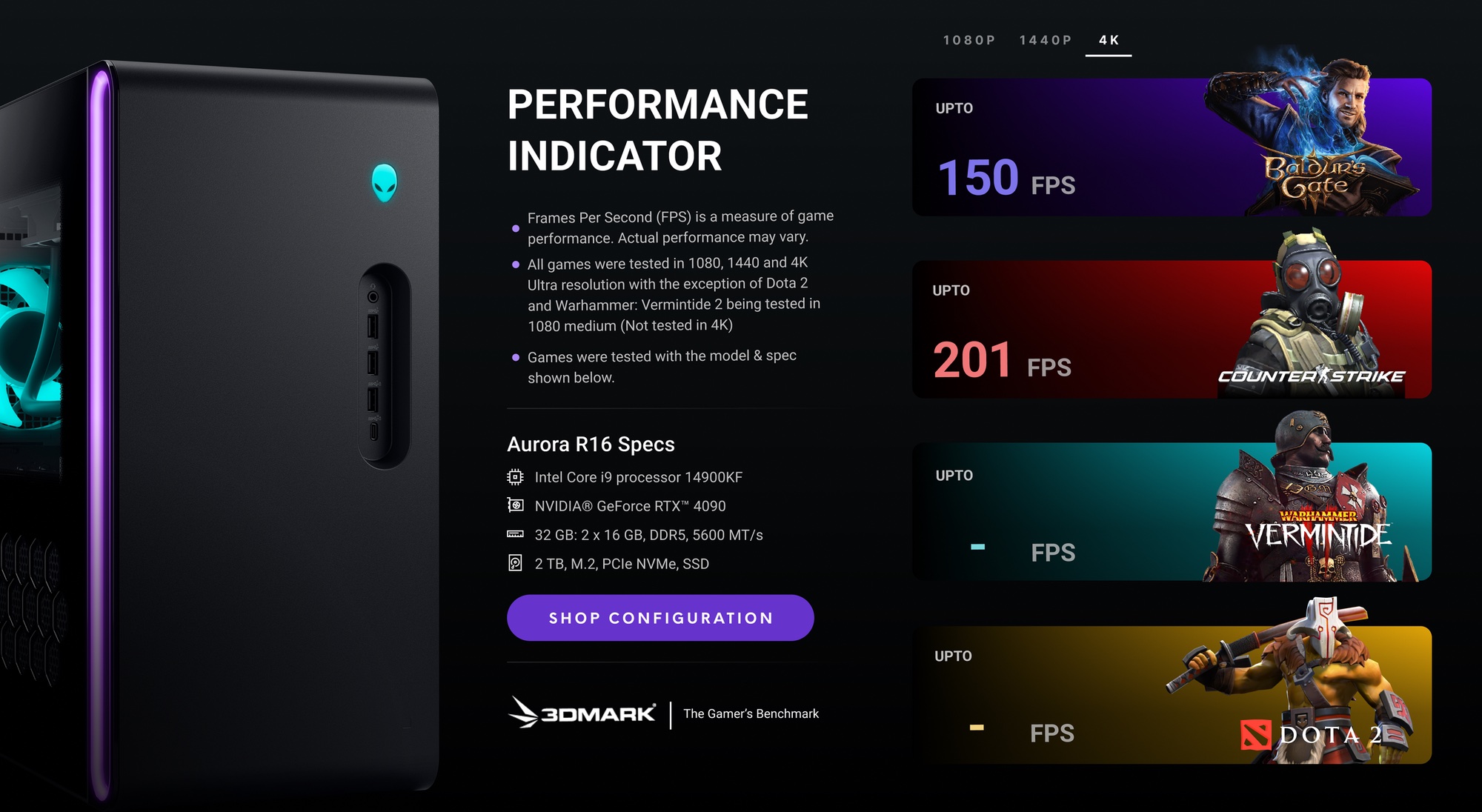
One question the site still couldn't answer was the one many gamers start with: how well will this system run the games I play?
The FPS module was designed to answer it, showing benchmarked frame rates in popular titles for a given system. Rather than a standalone page, it was built as a component that could be placed into any Alienware or Dell experience. Several concepts went into user testing, and mine was selected and shipped in March 2024.
It also served as an early test of a larger idea, bringing performance data directly into the configurator.
Owning the Configurator
After the Learn Page, the team moved to a model where each designer owned a product, with the lead overseeing the whole experience and everyone still contributing to research and exploration. I was given the configurator, the highest-priority product on the site and the point where browsing turns into buying.
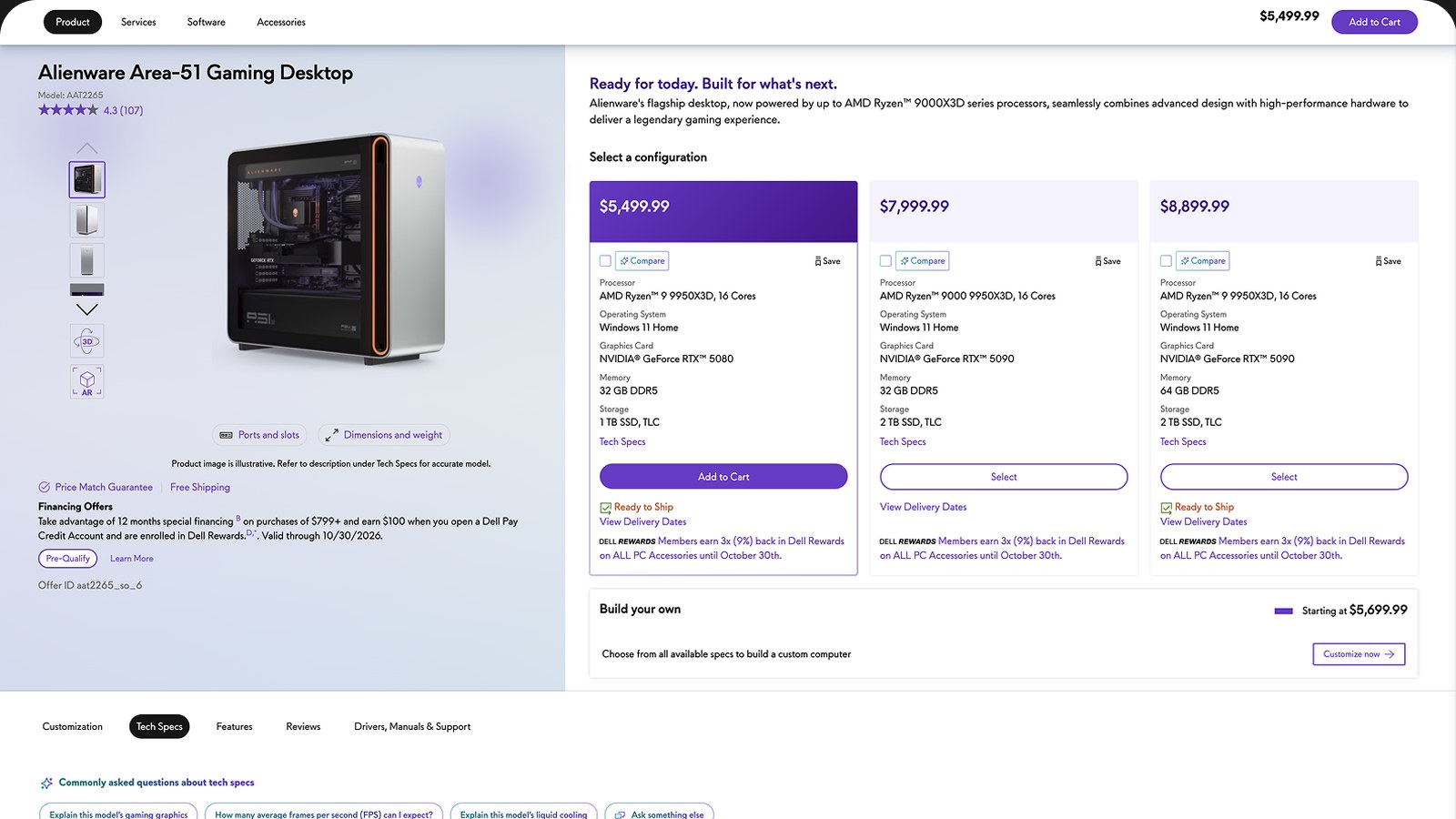
Phase 1 came with a clear constraint. It had to be built from Dell.com's existing configurator components rather than from scratch. The work focused on making those building blocks feel native to Alienware while keeping the experience shippable. It launched in March 2025, giving Alienware a configurator of its own for the first time instead of sending customers to Dell.com.
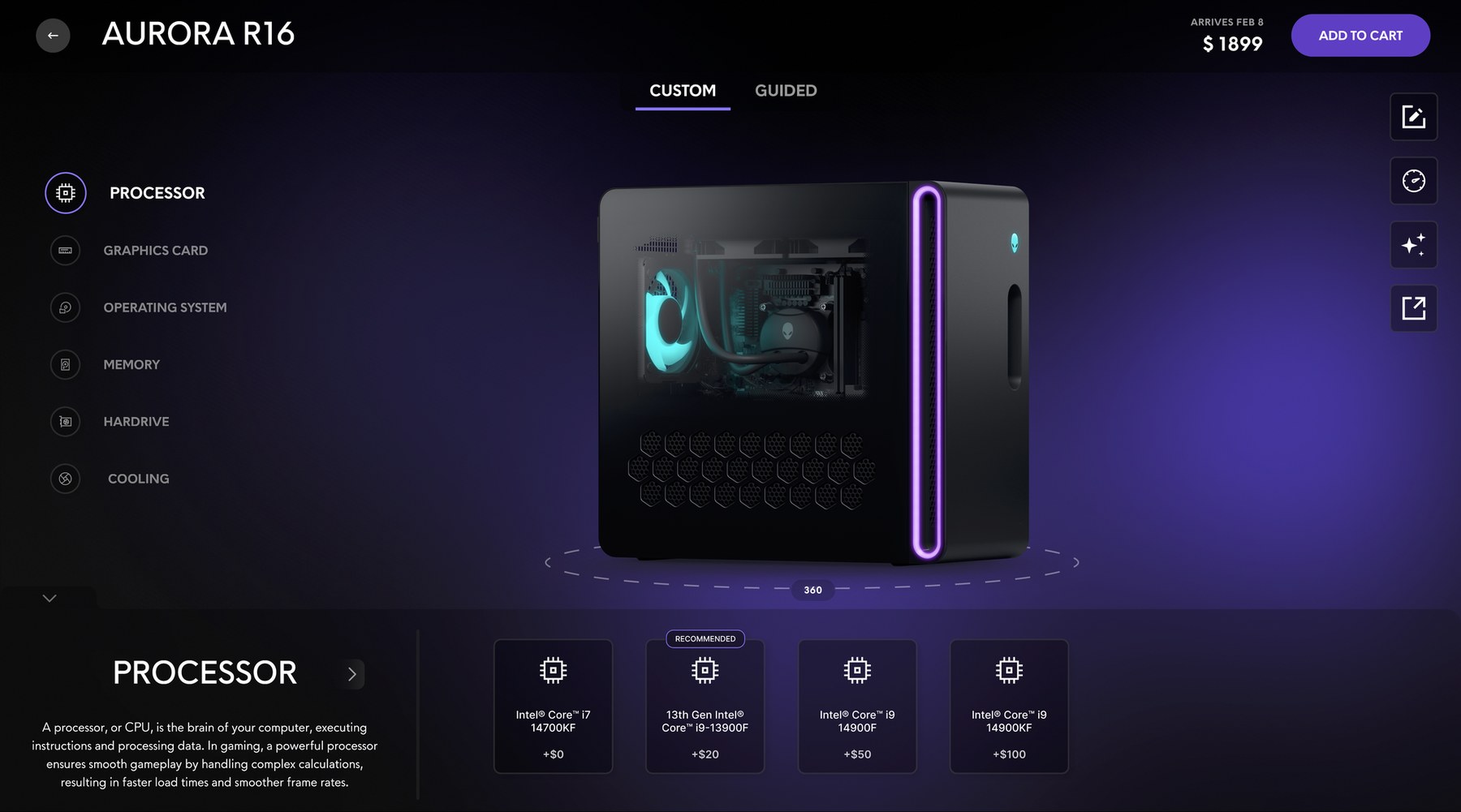
Phase 2 explored what the configurator could become without those constraints. The product took up roughly 80% of the layout in an interactive 360° viewer, with components selected along the bottom and short explanations of how each one affects gaming performance. In usability testing, participants described it as clean and intuitive, and those with less PC knowledge relied on Help Me Choose for guidance. That work became the foundation for the configurator concept later named a UX Design Awards finalist.
Between Gamers and Leadership
Designing for gamers also meant recognizing that they aren't one audience. Casual gamers often arrive unsure where to start, and too much technical detail can push them away before they've made a decision. Hardcore gamers know exactly what they want and expect every spec to be visible and in their control. Simplify too much and you lose the people who know the products best. Add too much detail and you lose everyone else.
Both groups bring strong, well-informed opinions, often down to how a single spec is presented. At the same time, leadership had clear expectations for how a premium brand should look and perform commercially. Much of the work over these four years sat between those perspectives, and finding solutions that held up for all of them became one of the most valuable skills I developed.
Results
Over four years, Alienware.com moved from an inherited experience to one built around its customers. As the new experience rolled out across the site:
18%
Increase in conversion
31%
More cart additions
17%
Increase in revenue per visit
Beyond the numbers, the Learn Page, the FPS module and Alienware's first dedicated configurator all shipped. The FPS module was designed to work across Dell.com as well, and the re-theming documentation supported other teams working on shared components. The follow-up concepts for the Learn Page and configurator were named UX Design Awards finalists in 2025 and 2026.

What Happened Next
In 2025, Dell's priorities shifted toward AI, and much of the Alienware team, including me, moved onto that work. The next phases of the Learn Page and configurator were paused, and both now live on as concepts on this site.
Looking Back
I joined this team exploring ideas alongside an agency and left it owning the product closest to the purchase. What made the biggest difference was the order of the work. Following the customer journey meant each release laid the groundwork for the next, from the homepage that brought people in to the configurator where they made their decision.