Dell's AI Design Language
Giving Dell's AI its own look, behavior and rules
Dell wanted shopping to feel less like searching and more like asking. We spent three months turning that idea into a design language for AI, and it now runs on Dell.com's Virtual Assistant for consumer and commercial customers.
TL;DR
- Problem
- Dell had no shared design language for AI, and consumer and commercial customers need very different things from it.
- What we did
- Built one AI framework, with principles, tokens, components and three surfaces, and launched it through the Virtual Assistant.
- My part
- Defined the AI foundations, including color, typography, spacing and corner radii, rebuilt the Virtual Assistant components, and now consult for every team adopting the language.
Impact & Outcomes
One AI design language across Dell. Live on the Virtual Assistant throughout Dell.com, for consumer and commercial customers, and in internal AI tools.
Game Changer Award, presented by Dell's Senior Director of Design
Vision to live MVP in 3 months
Around 15 teams building on the Virtual Assistant, with more on the way
Two designers defined the full foundation
8 AI-native principles guiding every team that adopts it
Every color and gradient checked against WCAG in light and dark mode
Beyond the search bar
Buying a computer online still starts with filters and spec sheets, which only works if you already know what you need. The original vision flipped that, with a full-page AI assistant that builds the whole journey around you, all the way to checkout.
Winston Toy, the lead designer, asked me to join the tiger team. We'd worked together for close to five years, and once I saw how far this would reach across Dell, I couldn't wait to start.
Rules before pixels
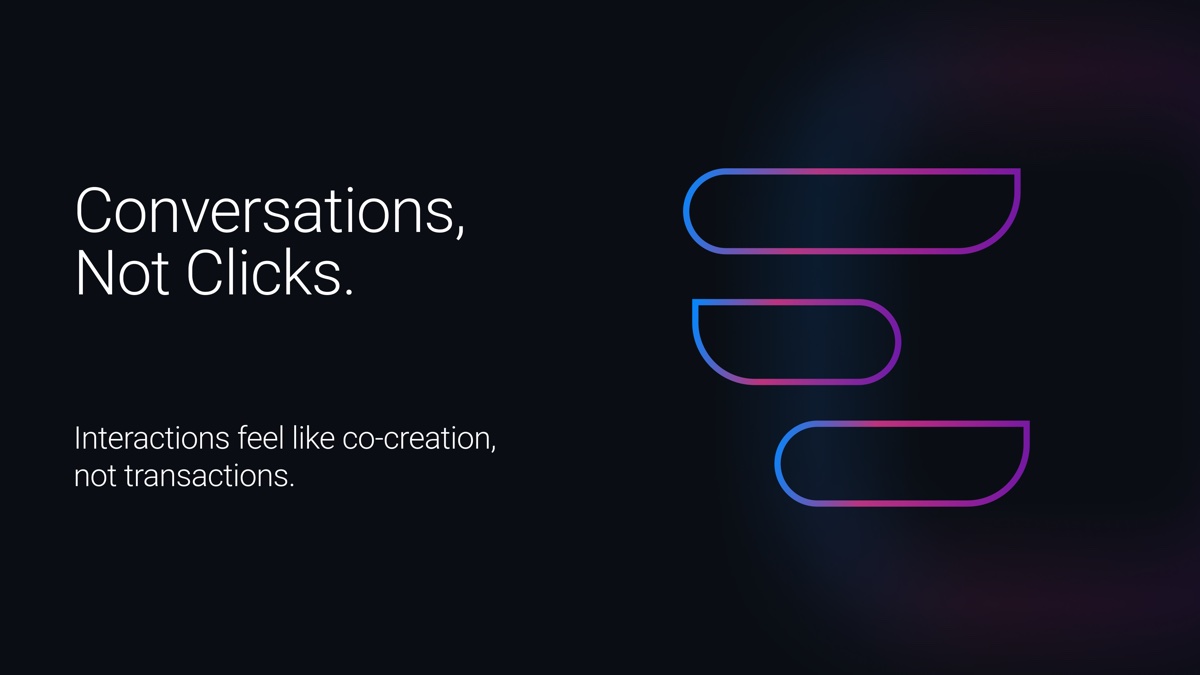
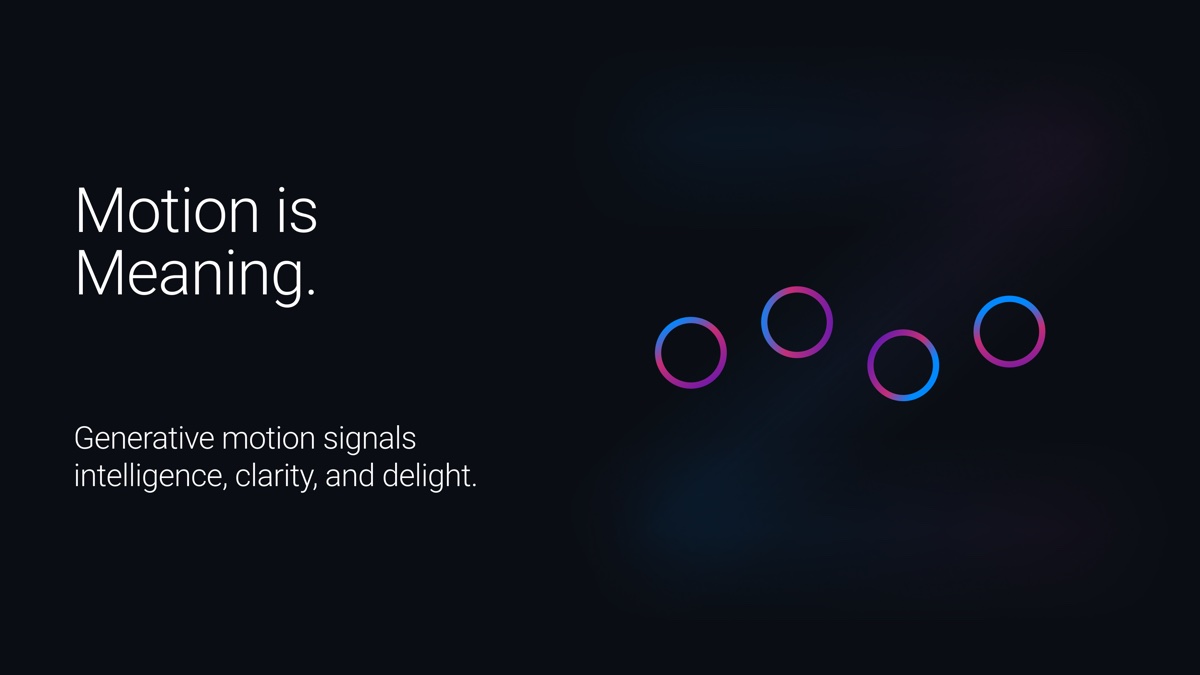
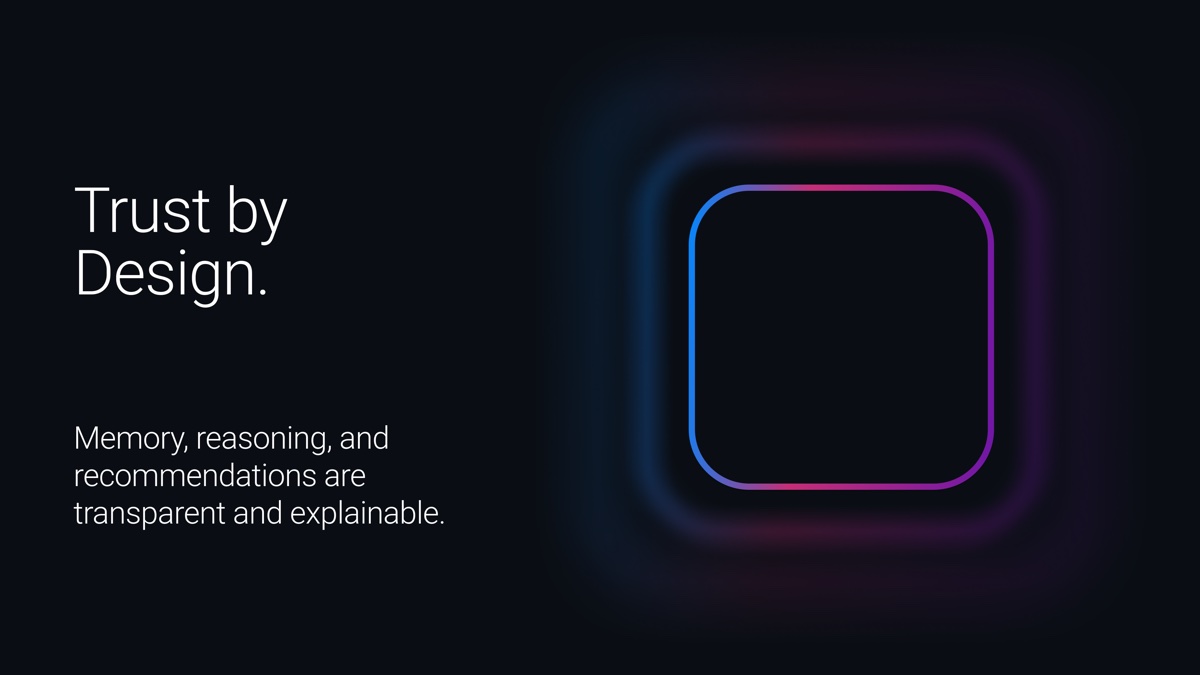
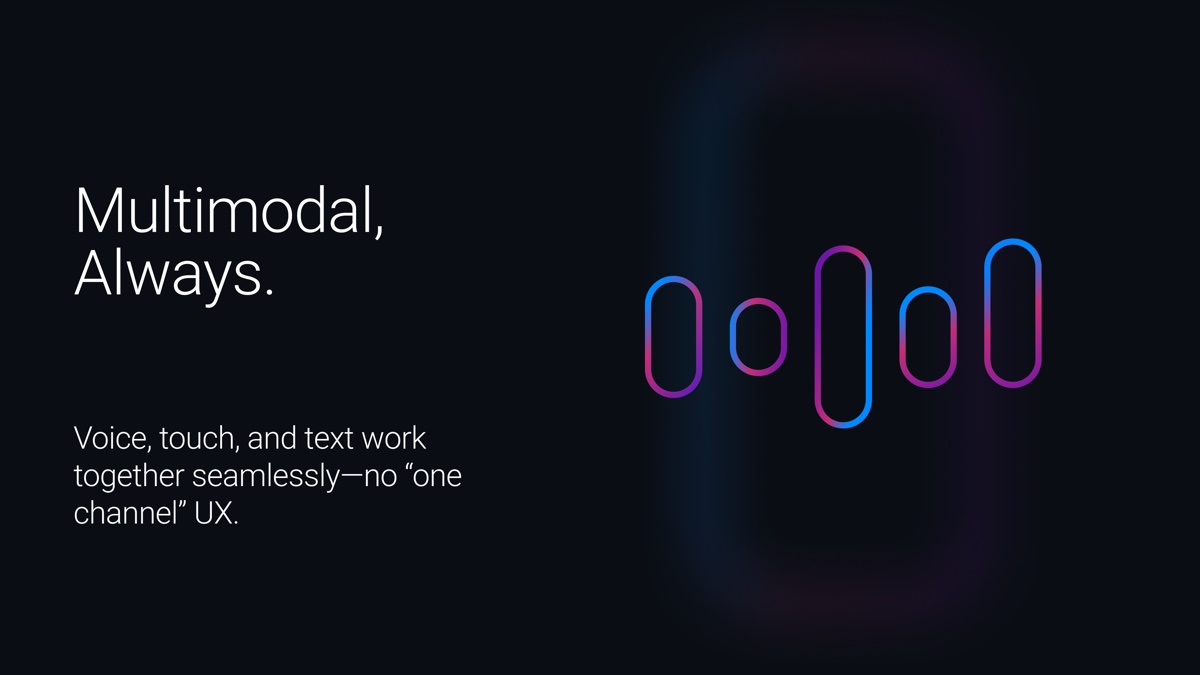
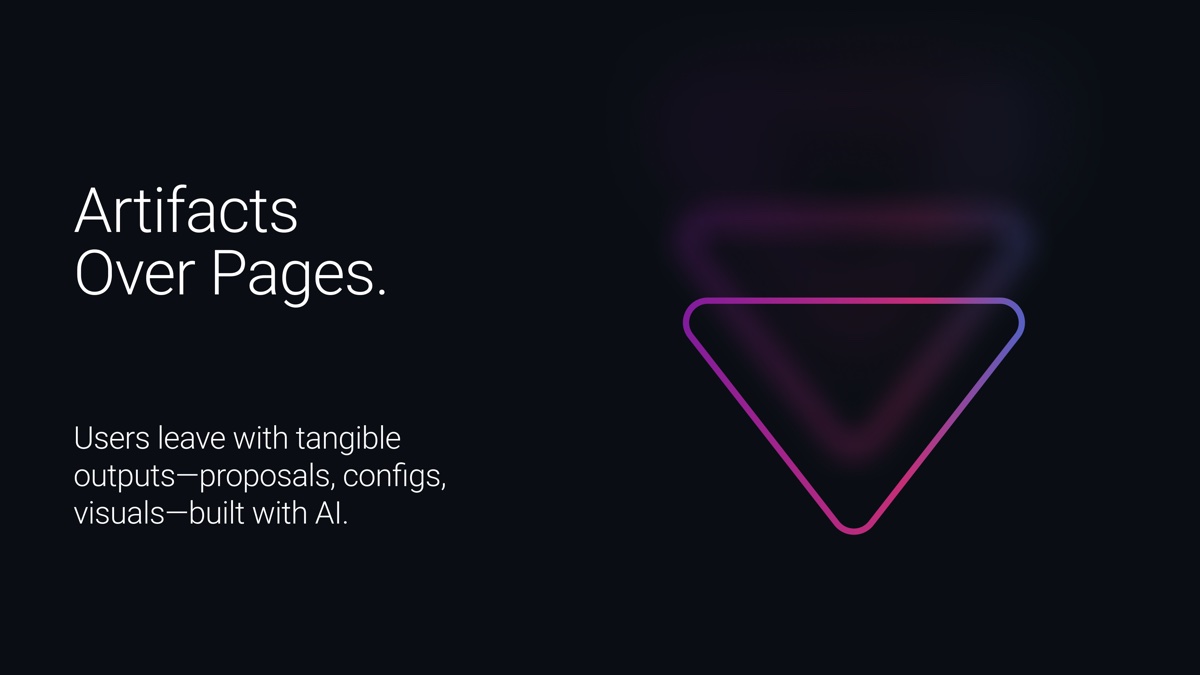
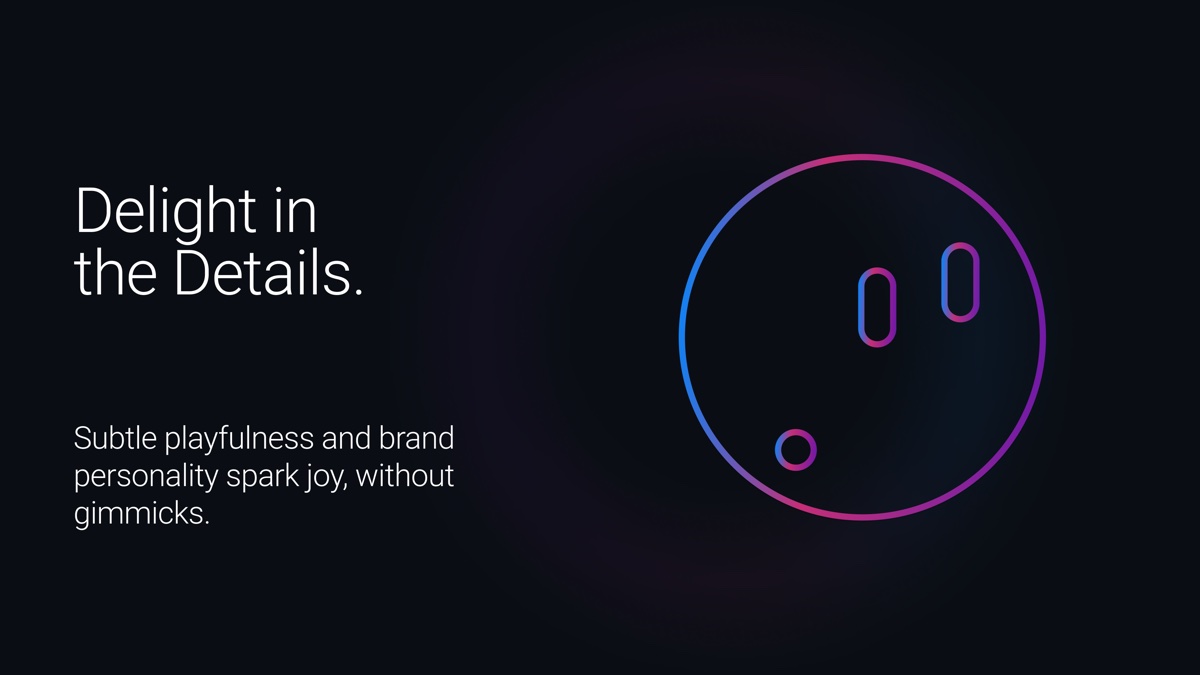
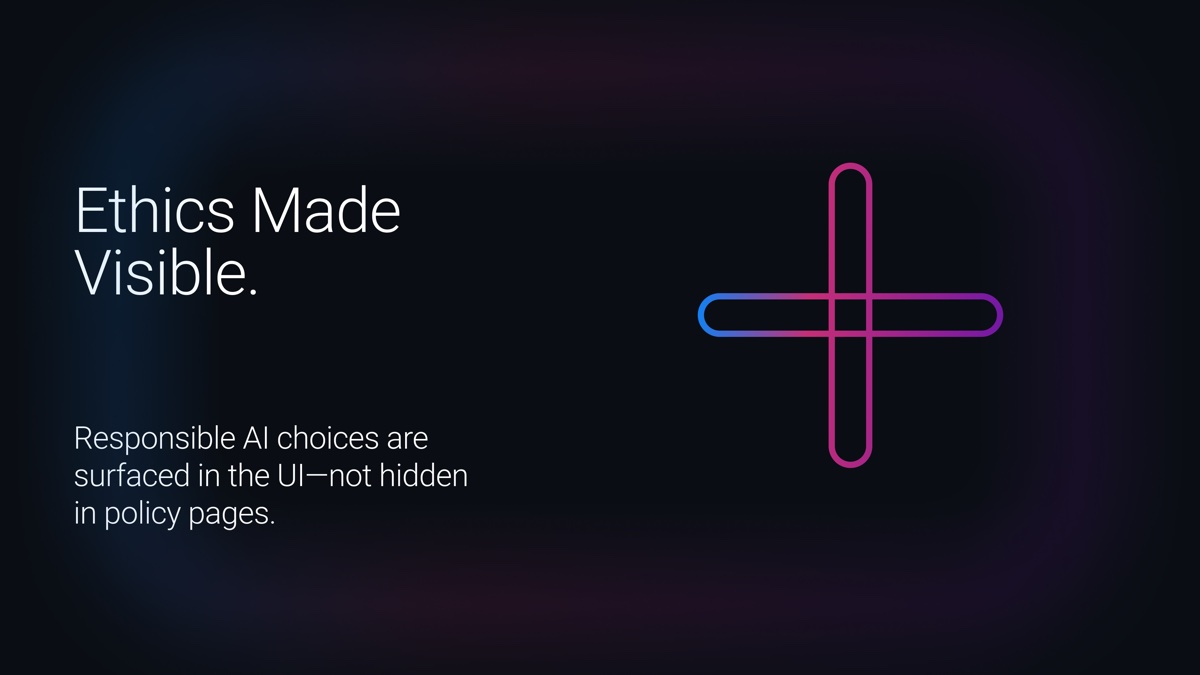
Before designing a single screen, we wrote down how AI should behave at Dell. Every later decision came back to these eight principles.
Upgrading what was there
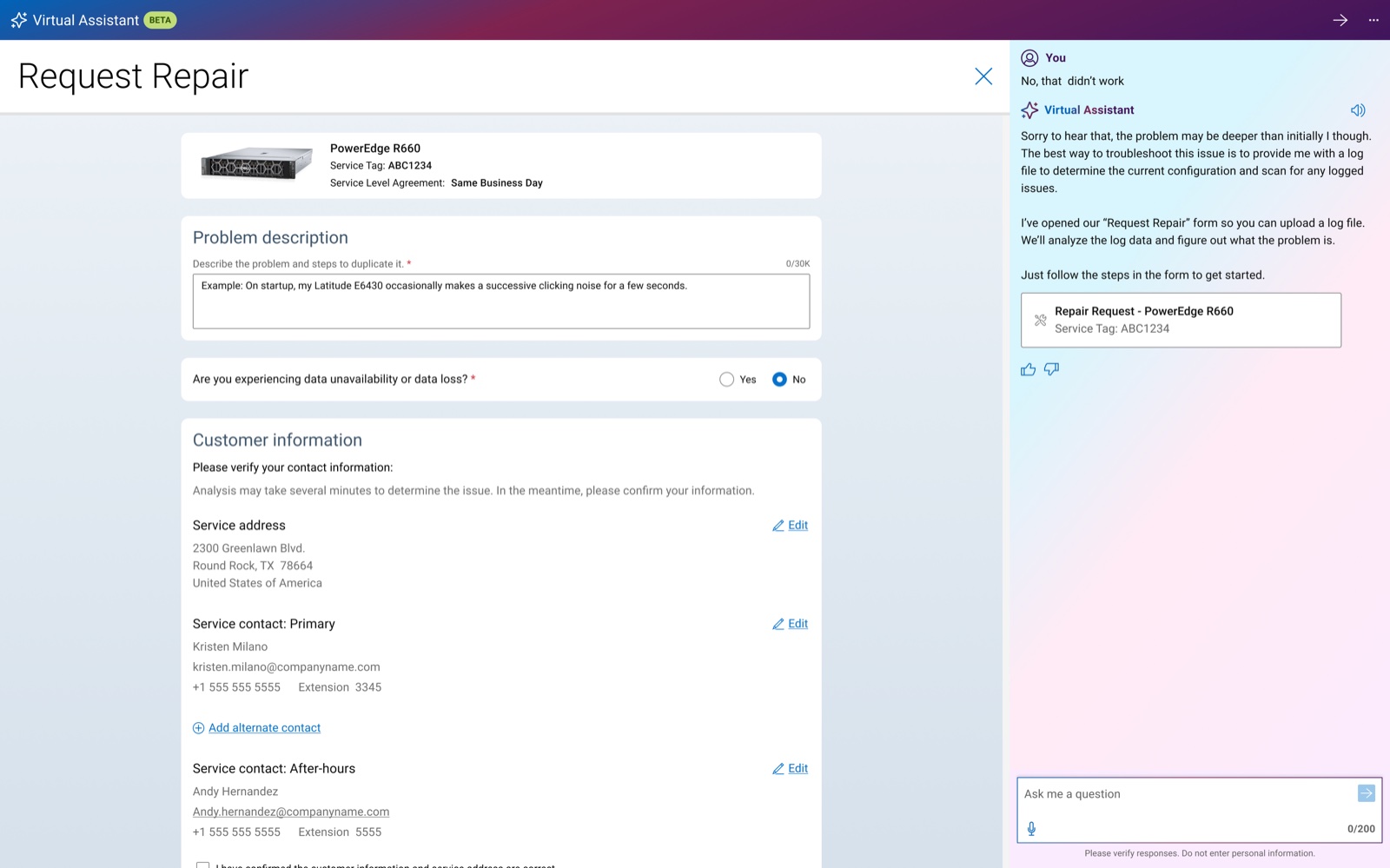
Leadership liked the vision but saw a faster path. Dell.com already had a Virtual Assistant on every page, with far less AI behind it than it could support.
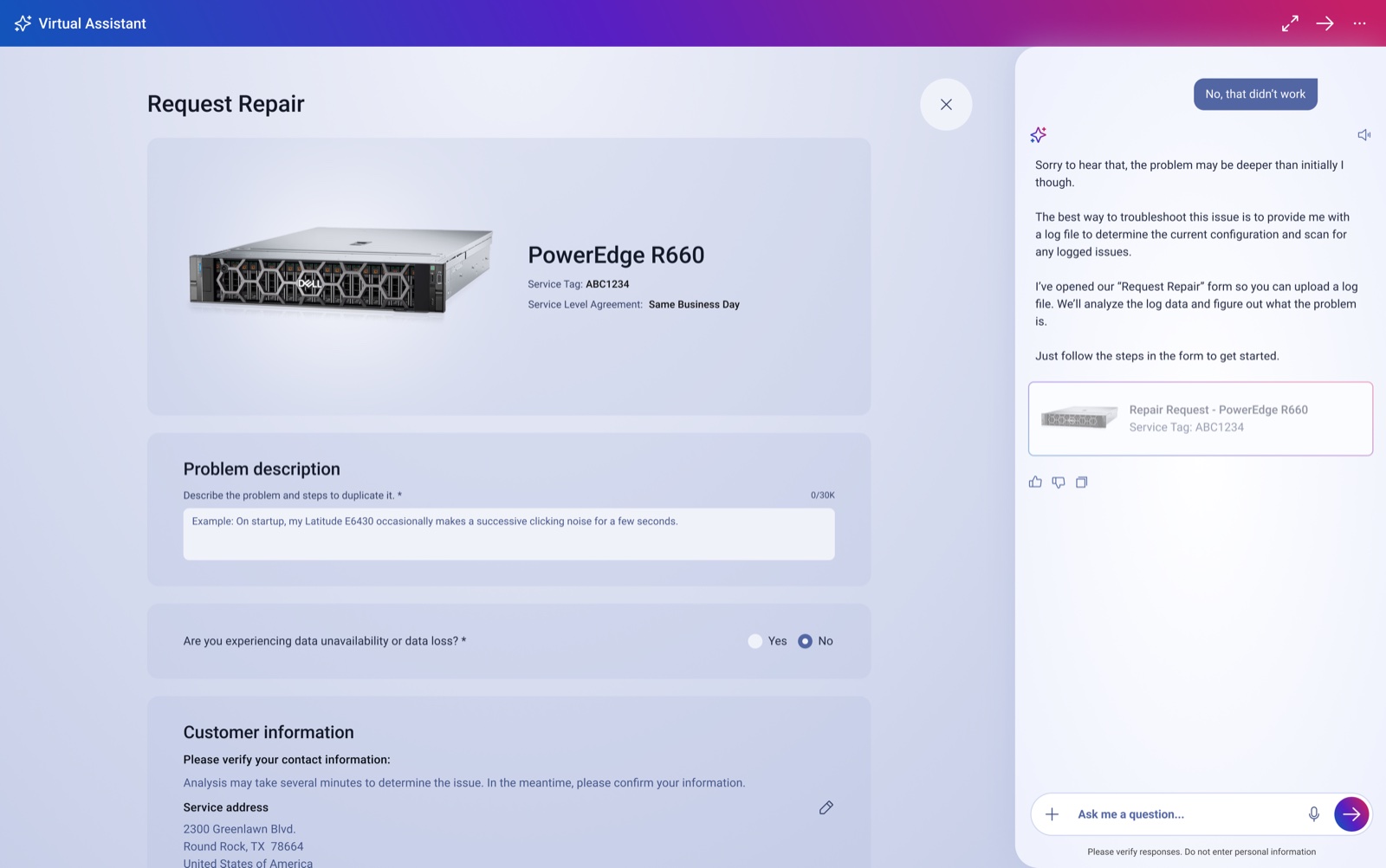
So we upgraded it instead of building something new. The full-page experience went on hold, and the language got a real product to prove itself on. The MVP shipped in March 2026.
Different, but still Dell
This was the hardest problem. The AI had to stay unmistakably Dell while feeling like a step forward.
I got to the gradient through a lot of experimentation, keeping Dell blue as the anchor and adjusting the magenta until it felt modern. The tricky part was making it work on light and dark themes while still passing accessibility standards. Now, wherever AI appears on Dell.com, people know it right away, and it still feels like Dell.
The foundations
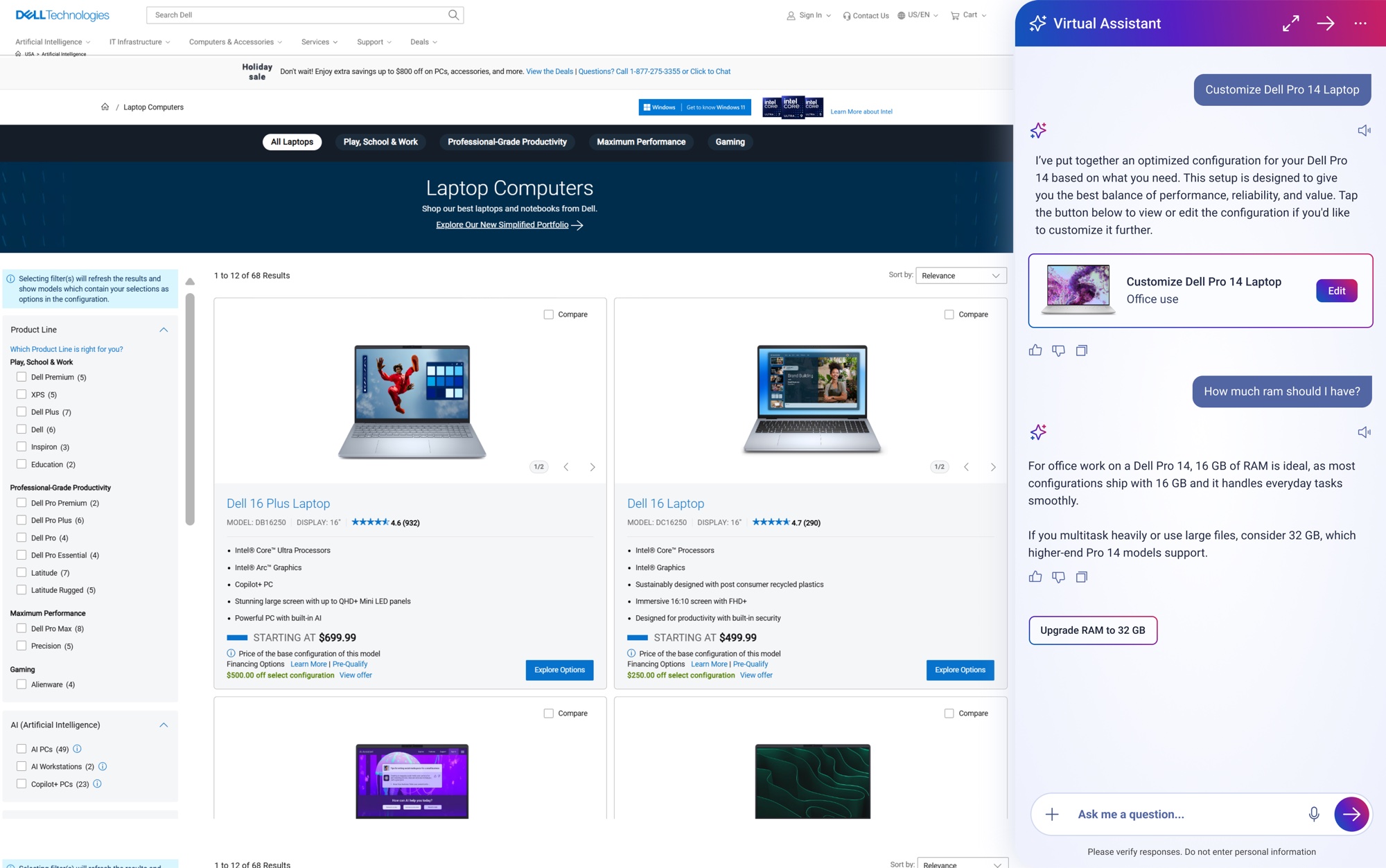
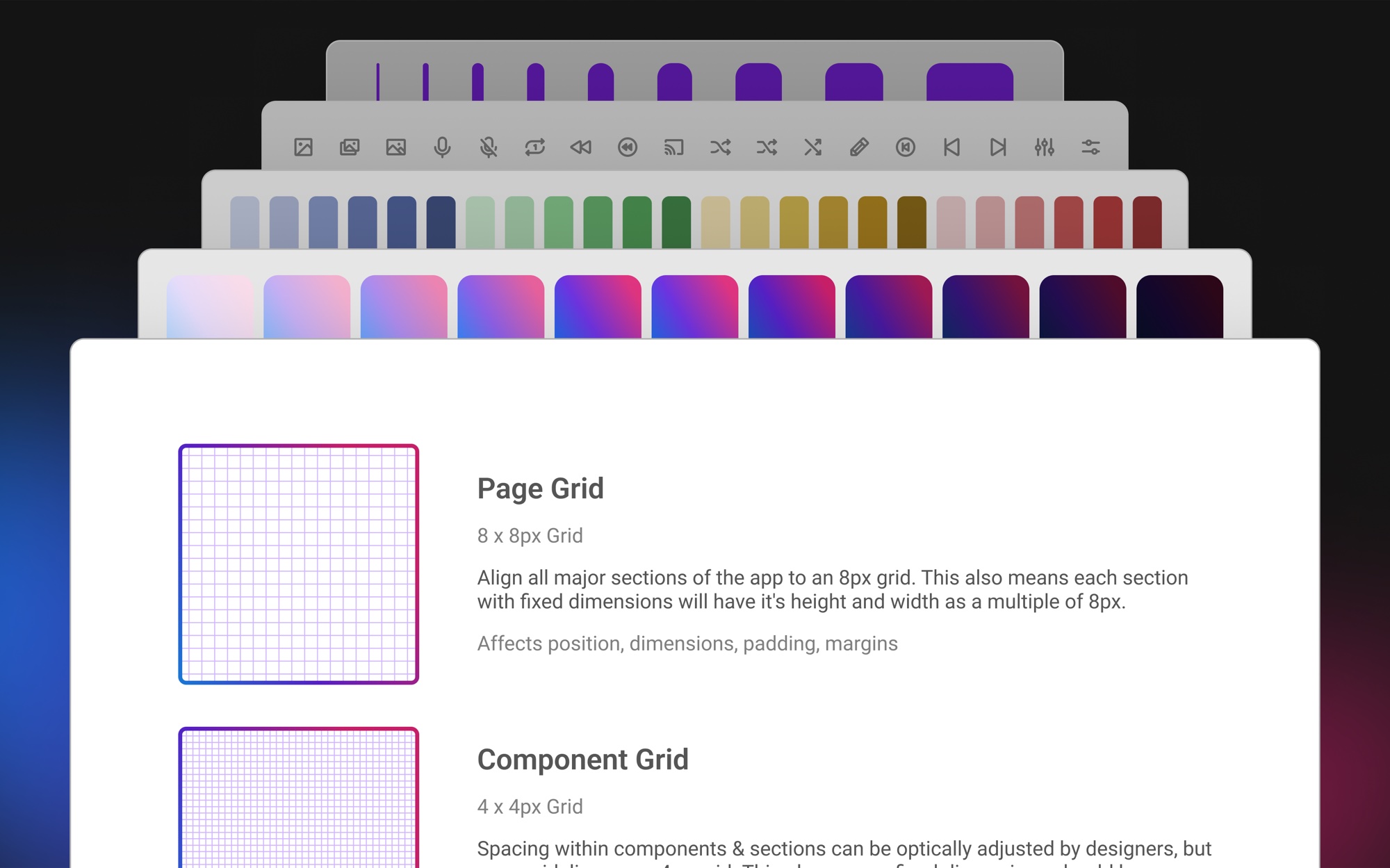
I owned the foundations, for consumers and commercial users alike.
- Color. Every scale built by hand in Figma, with each color and gradient checked against WCAG in light and dark mode.
- Typography. Dell's new typeface, with rules for how it behaves in a conversation.
- Spacing. Designed mobile-first to keep three busy surfaces readable in a small space.
- Corner radii. Curved edges on the side panel make it feel like part of the page you're on, instead of a separate experience.
- Documentation. Started in Figma and now moving into Dell Design Systems' online docs.
Three ways to talk to Dell
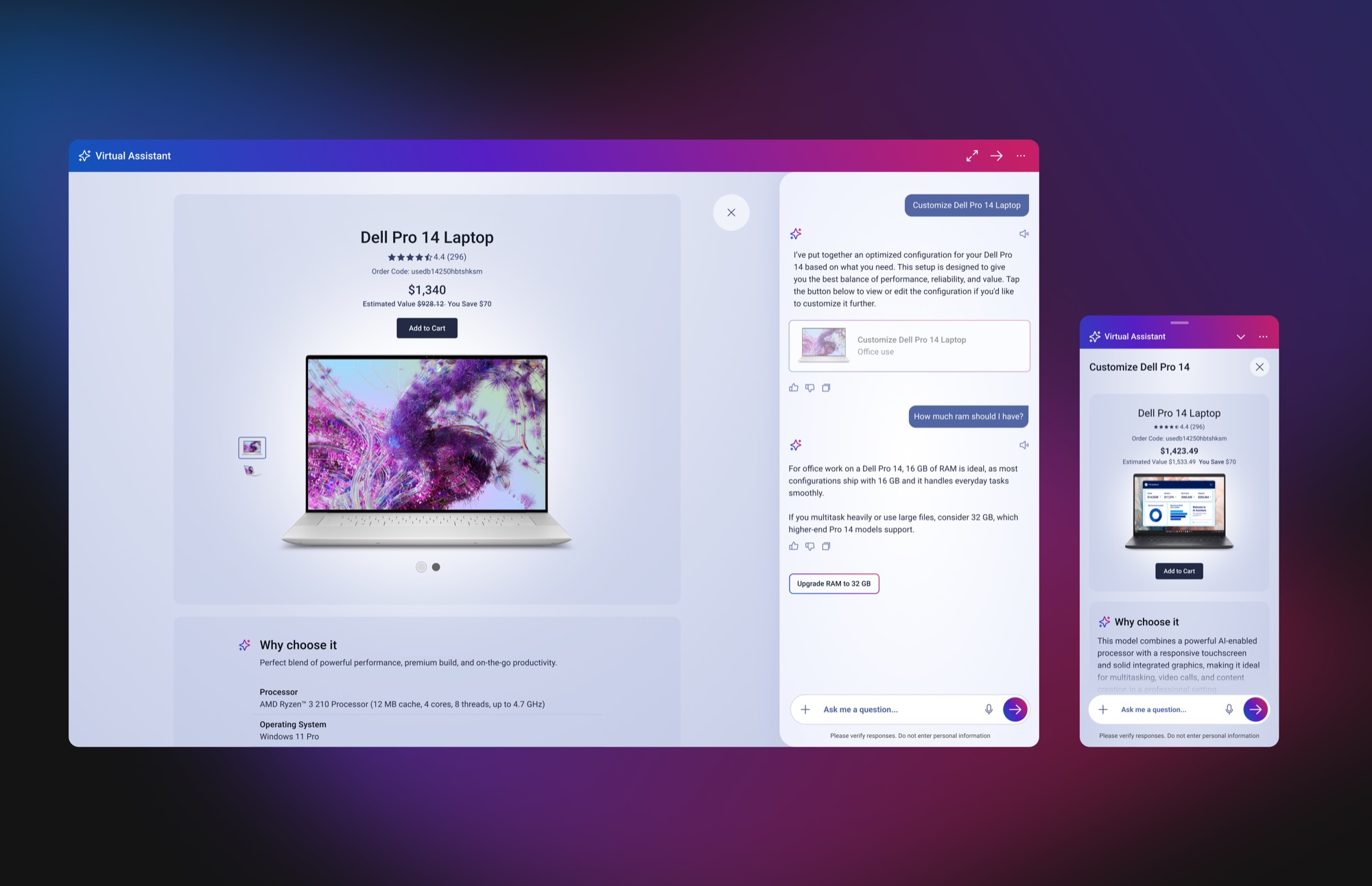
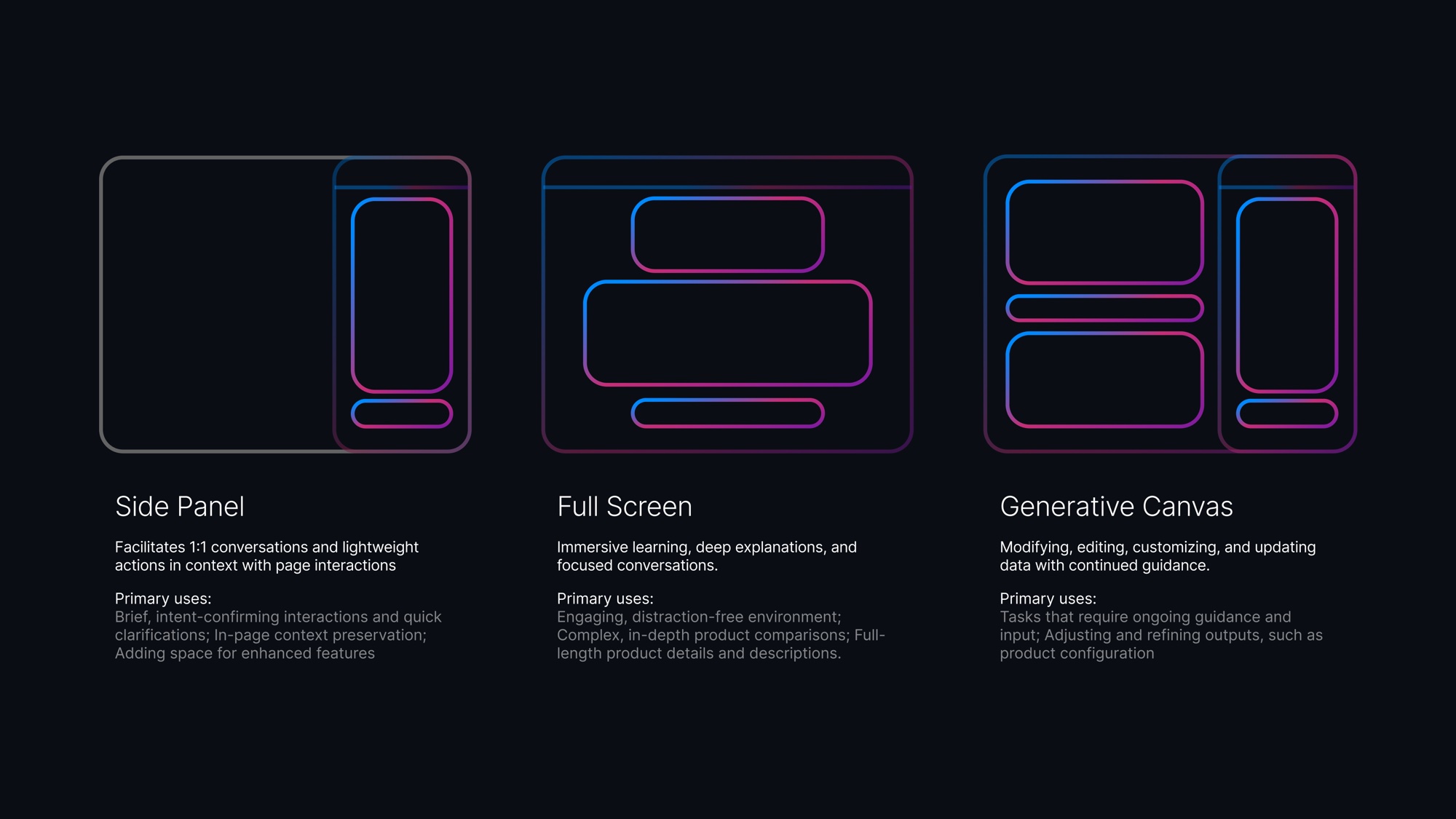
One chat window can't do everything, so the assistant has three surfaces and moves between them based on what you're trying to do.
- Side panel for quick questions, without leaving the page
- Full screen for deep comparisons and explanations, laid out for reading instead of scrolling a chat transcript
- Canvas for changing something, like a configuration, and watching it update as you talk
Scaling across Dell
With the foundations in place, I rebuilt every Virtual Assistant component in the new language. Around 15 teams now build on it, and I consult with each one, usually designing a component their product needs. Coming from Alienware, that scale was the biggest change for me.
Teams started using the language before it was ready and filled the gaps with the standard Dell Design System, which meant a lot of back and forth later. So I'm now working with DDS on a community library where teams share the components they've built. If I did this again, I'd set it up much earlier.
Toward AI Mode
The project started as AI Mode, a full-page experience built around each customer. Upgrading the Virtual Assistant got the language to customers sooner, and a lot of the groundwork for AI Mode is now in place.